
JOIN EDGE PERFORMANCE
HOW TO SIGN UP
MONTHLY MEMBERSHIP
We recommend signing up through the Edge Performance Valdosta mobile app, as members will also use the app to reserve spots in classes, manage their memberships, and stay connected with schedules and updates. Follow the steps below to create your account and choose the membership option that’s right for you.
From Your Mobile Device
Download the Edge Performance Valdosta mobile app from the Apple App Store or get it on Google Play

Open the app and click “Create Account”.
Click “Buy” and select your preferred membership.
Complete registration and checkout.
On A Computer
To sign up for Unlimited Adult Fitness Classes on a computer, Click Here.
To sign up for Sports Performance Classes on a computer, Click Here.
Agree to terms and click “Make Purchase”.
Create an account, complete registration, and checkout.
HOLIDAY + SUMMER CAMPS
We recommend registering through the Edge Performance Valdosta mobile app, as it’s the easiest way to enroll in camp sessions, receive updates, and manage your registrations all in one place. Follow the steps below to create your account, select your preferred camp session, and complete registration.
From Your Mobile Device
Download the Edge Performance Valdosta mobile app from the Apple App Store or get it on Google Play
Open the app and click “Book”. Then click “Enrollments.”
Select your preferred summer camp session.
Complete registration and checkout
On A Computer
To sign up for camps on a computer, Click Here.
Select your preferred camp option.
Create an account, complete registration, and check out.
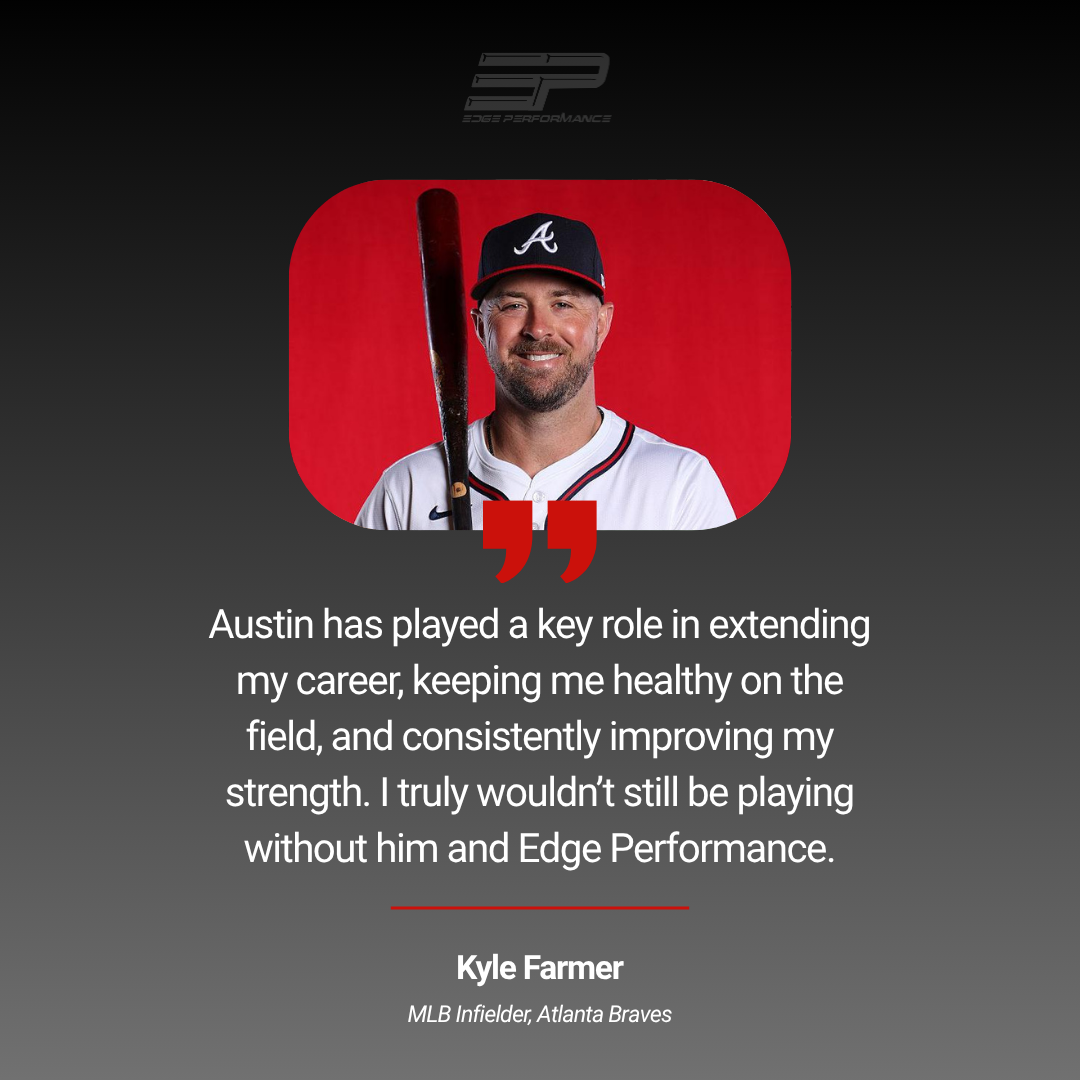
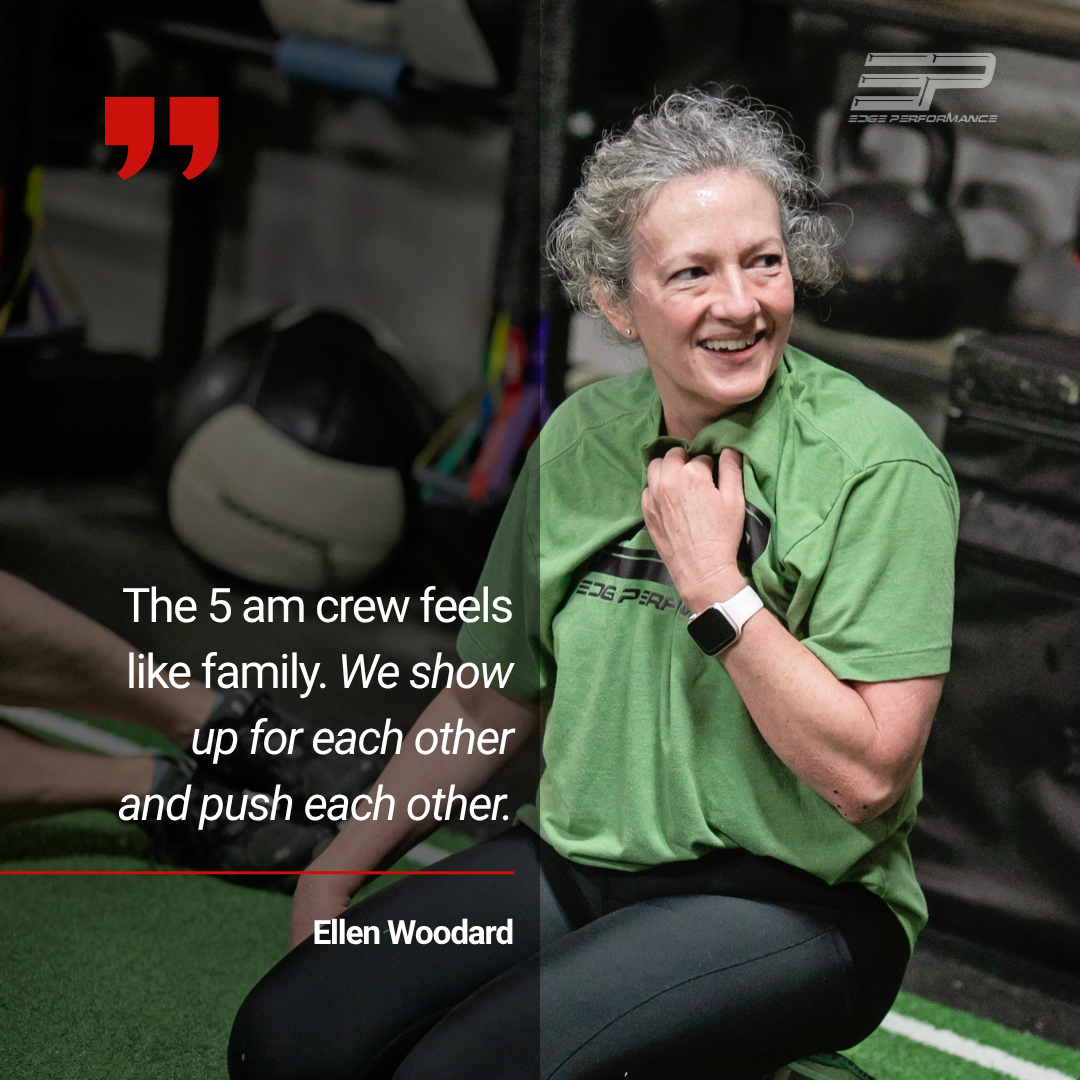
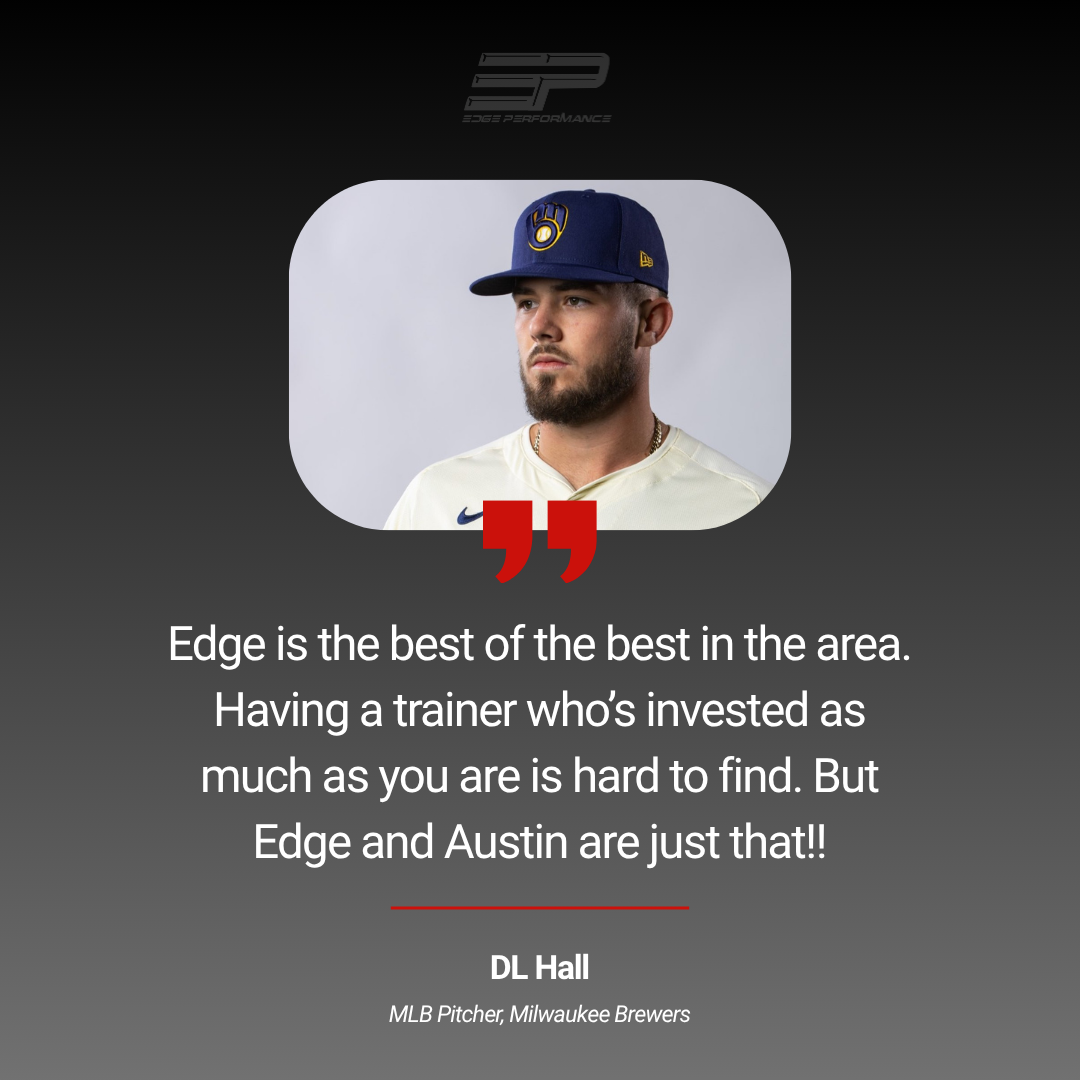
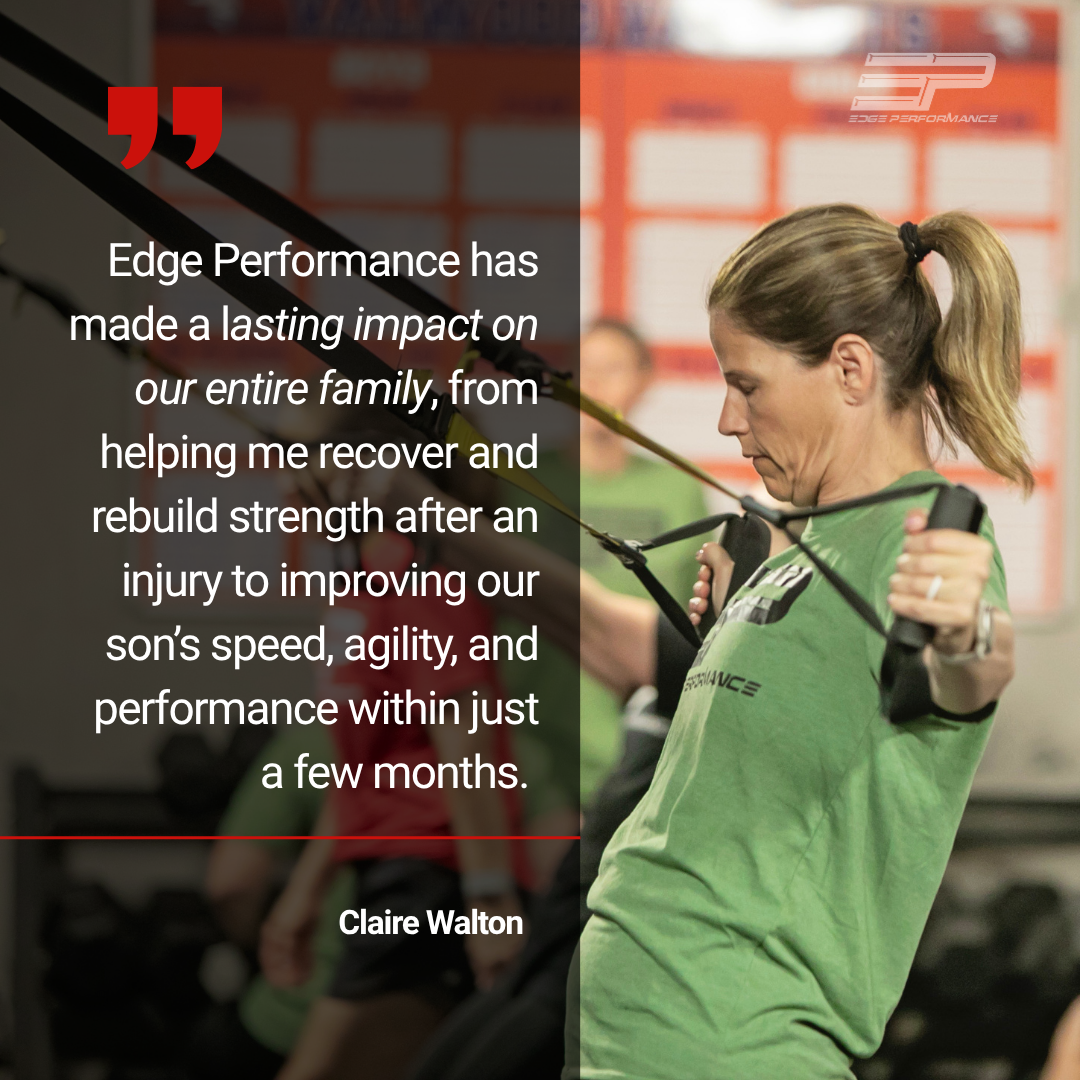
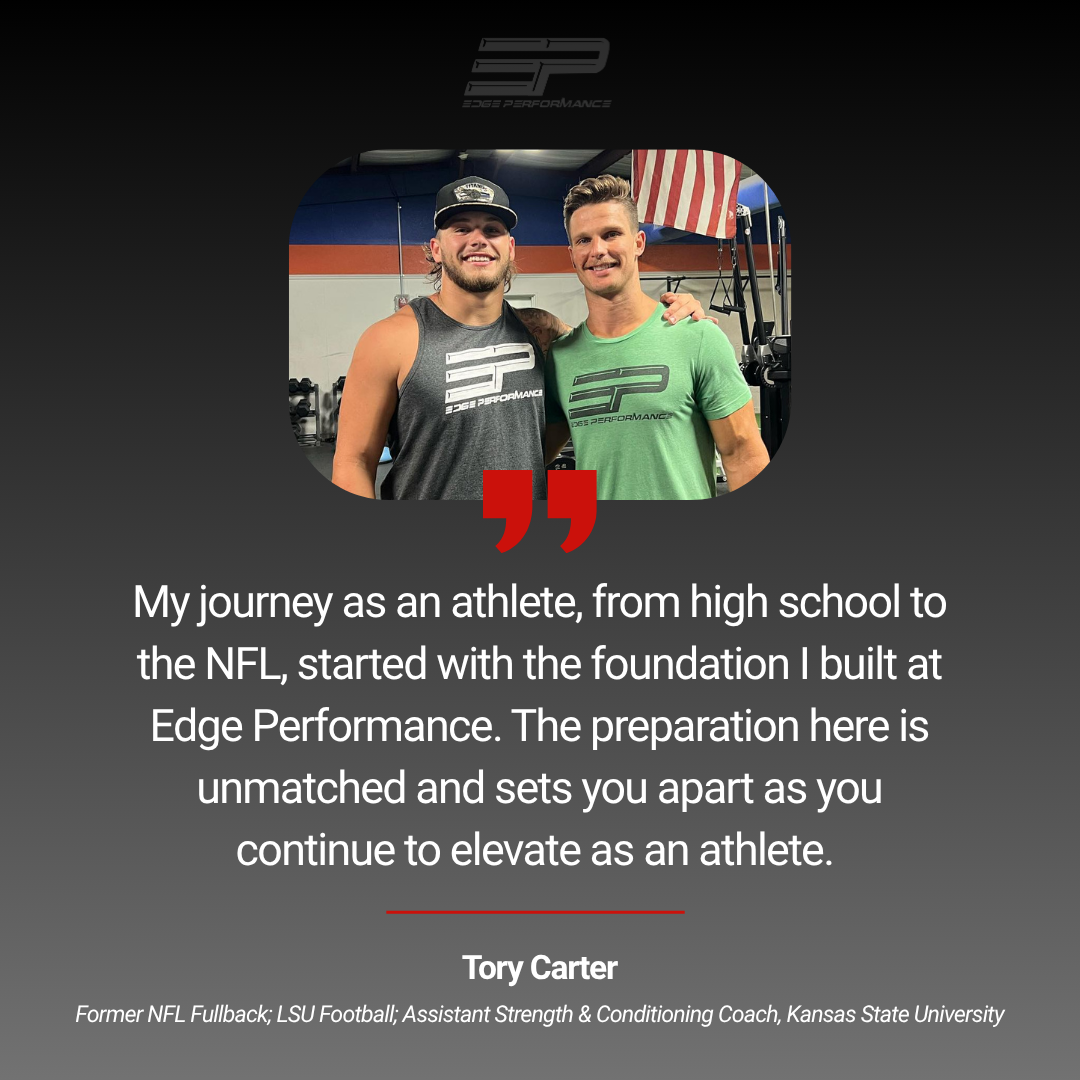
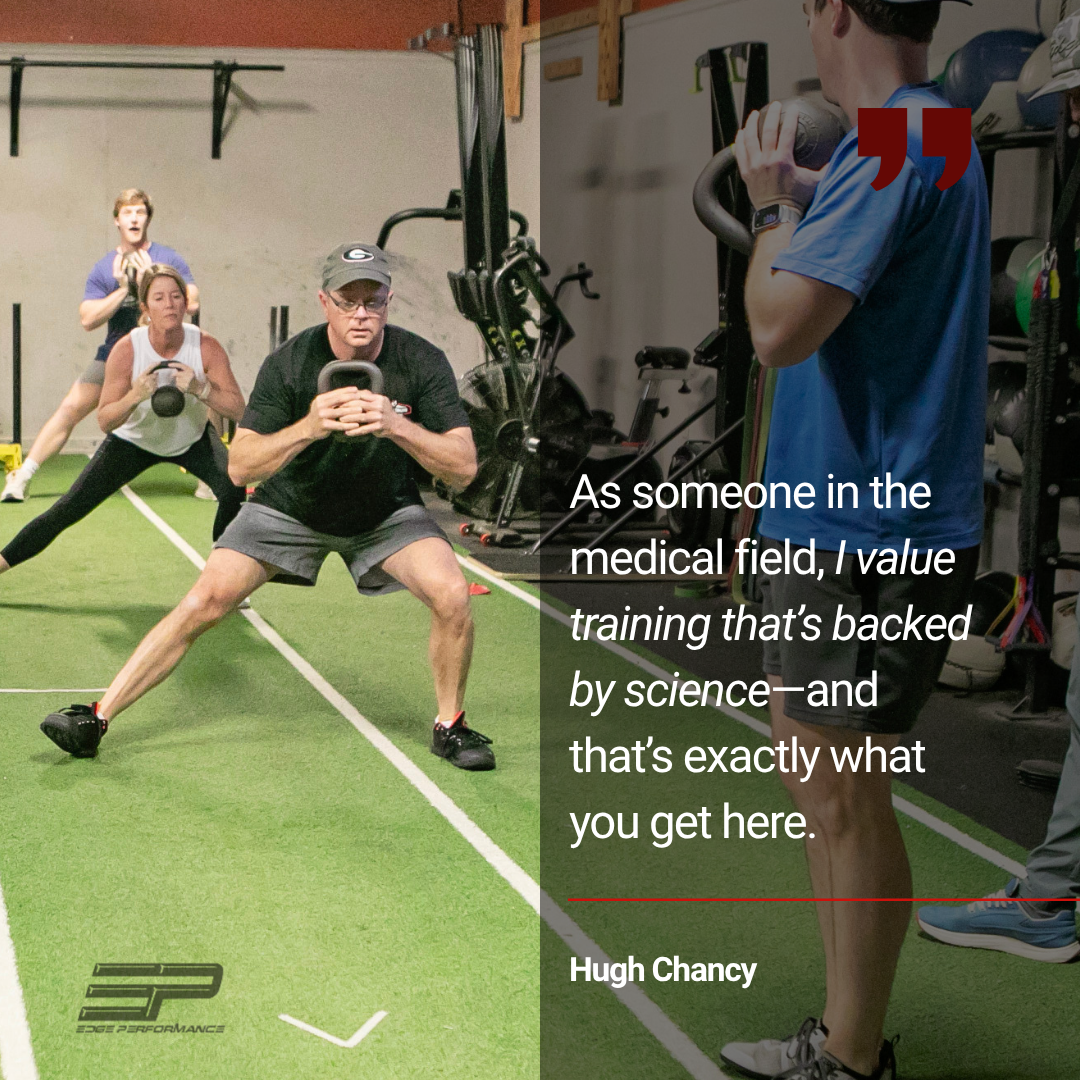
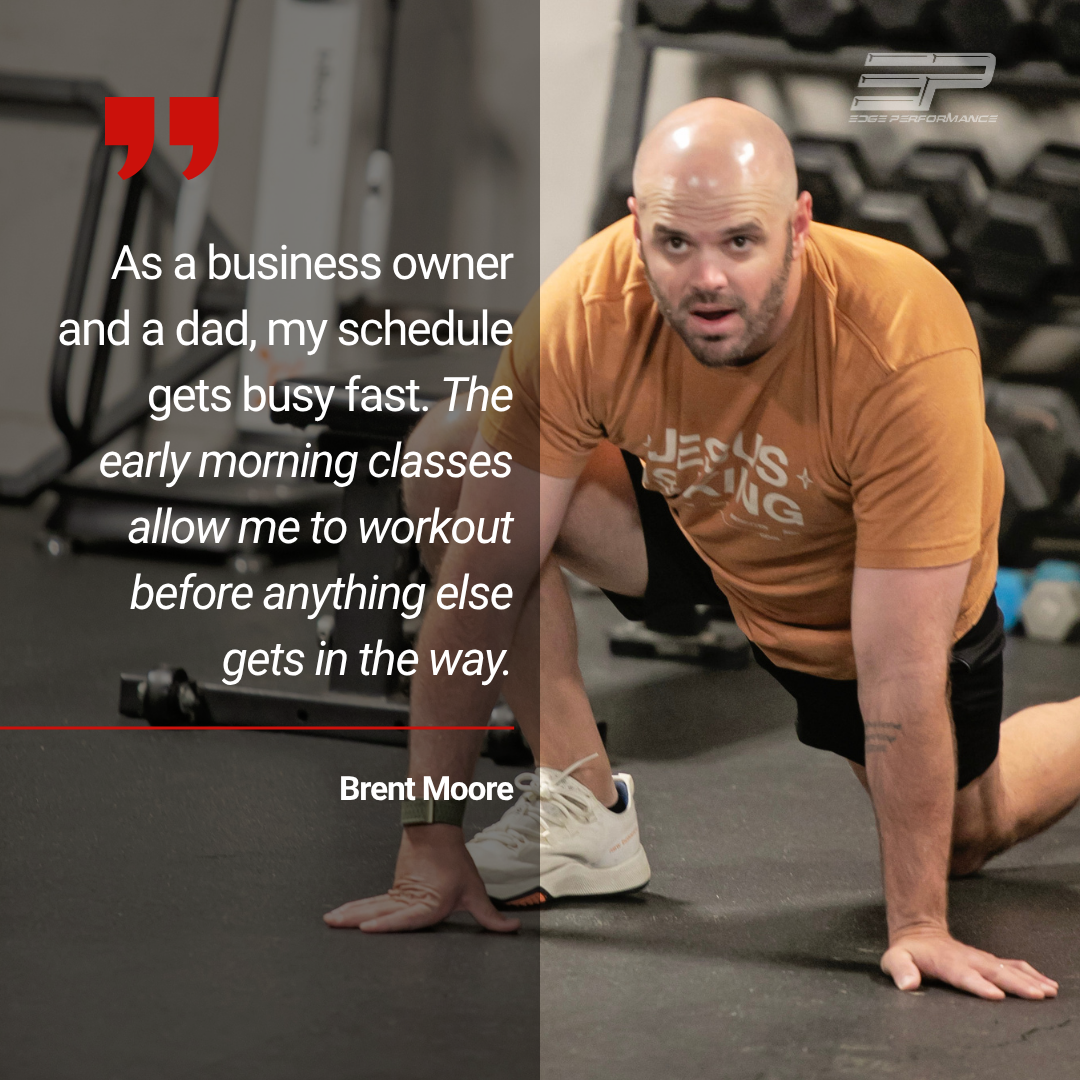
CLIENT LOVE
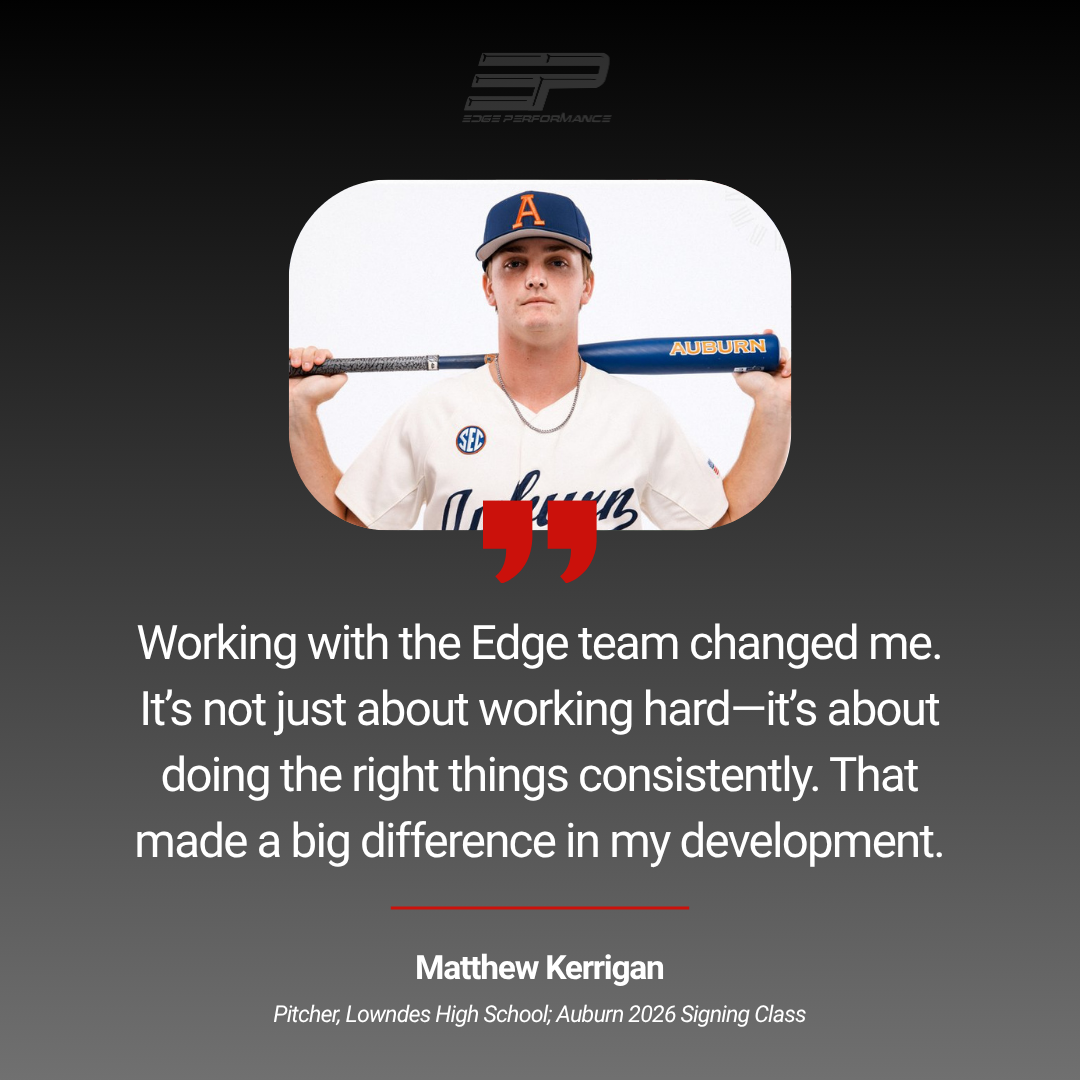
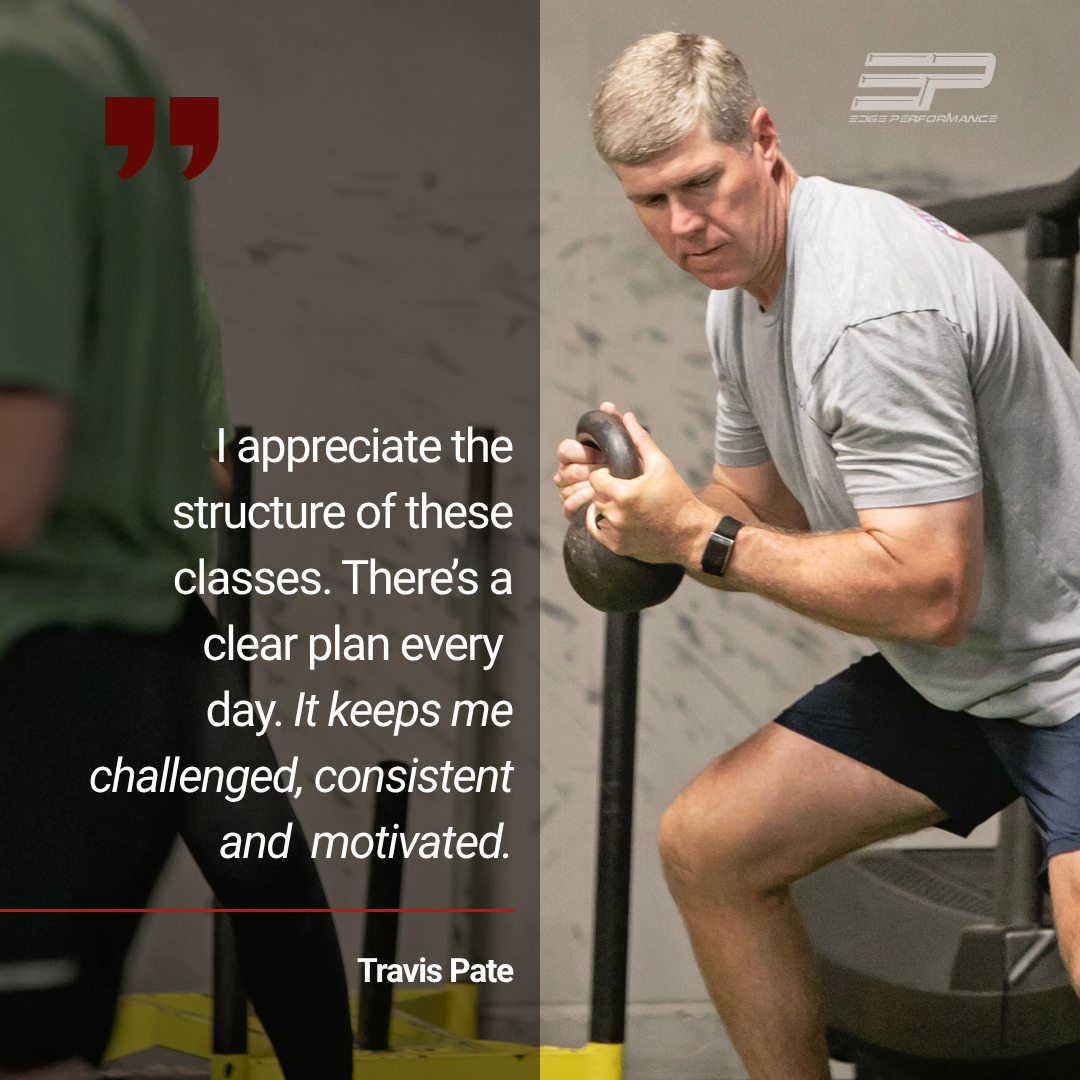
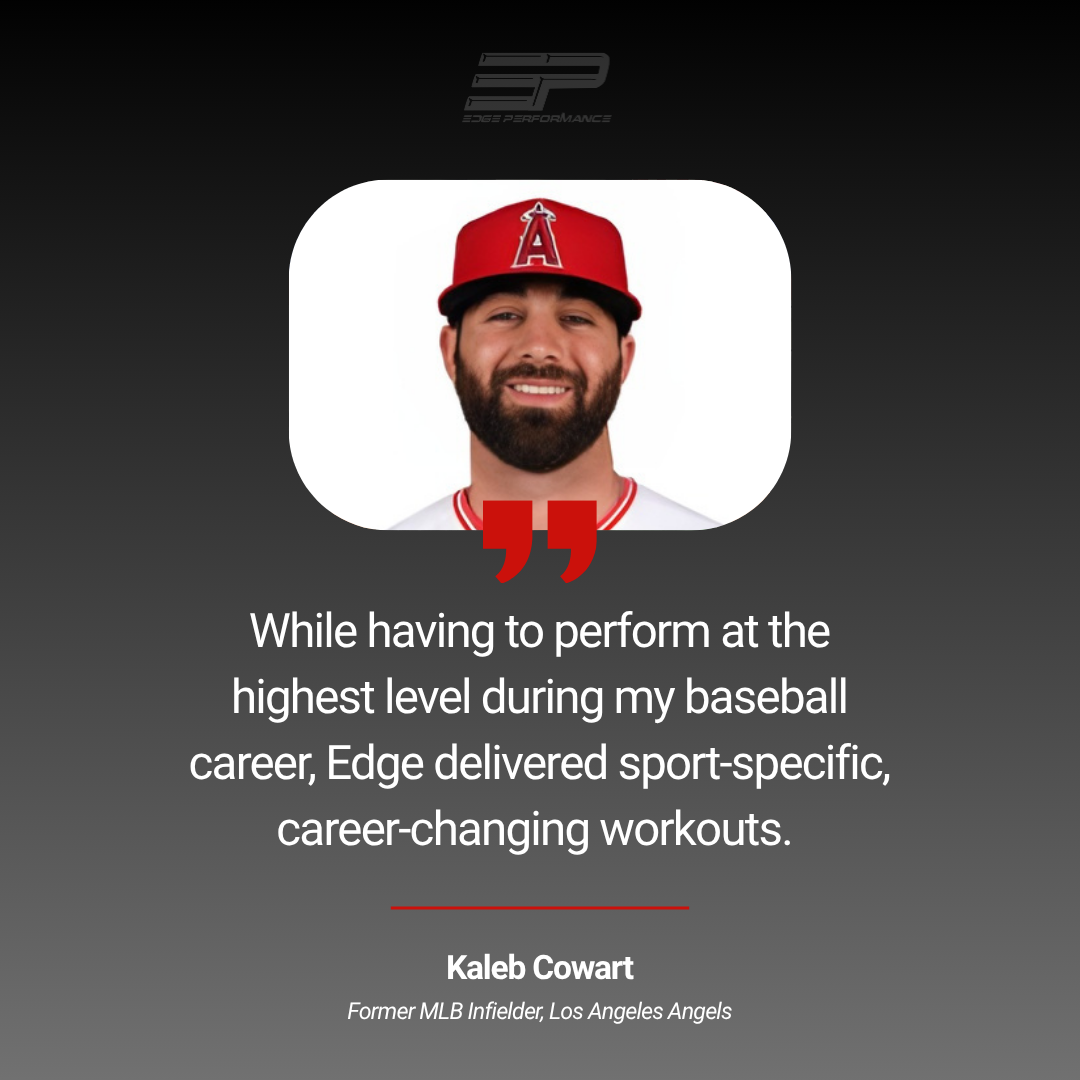
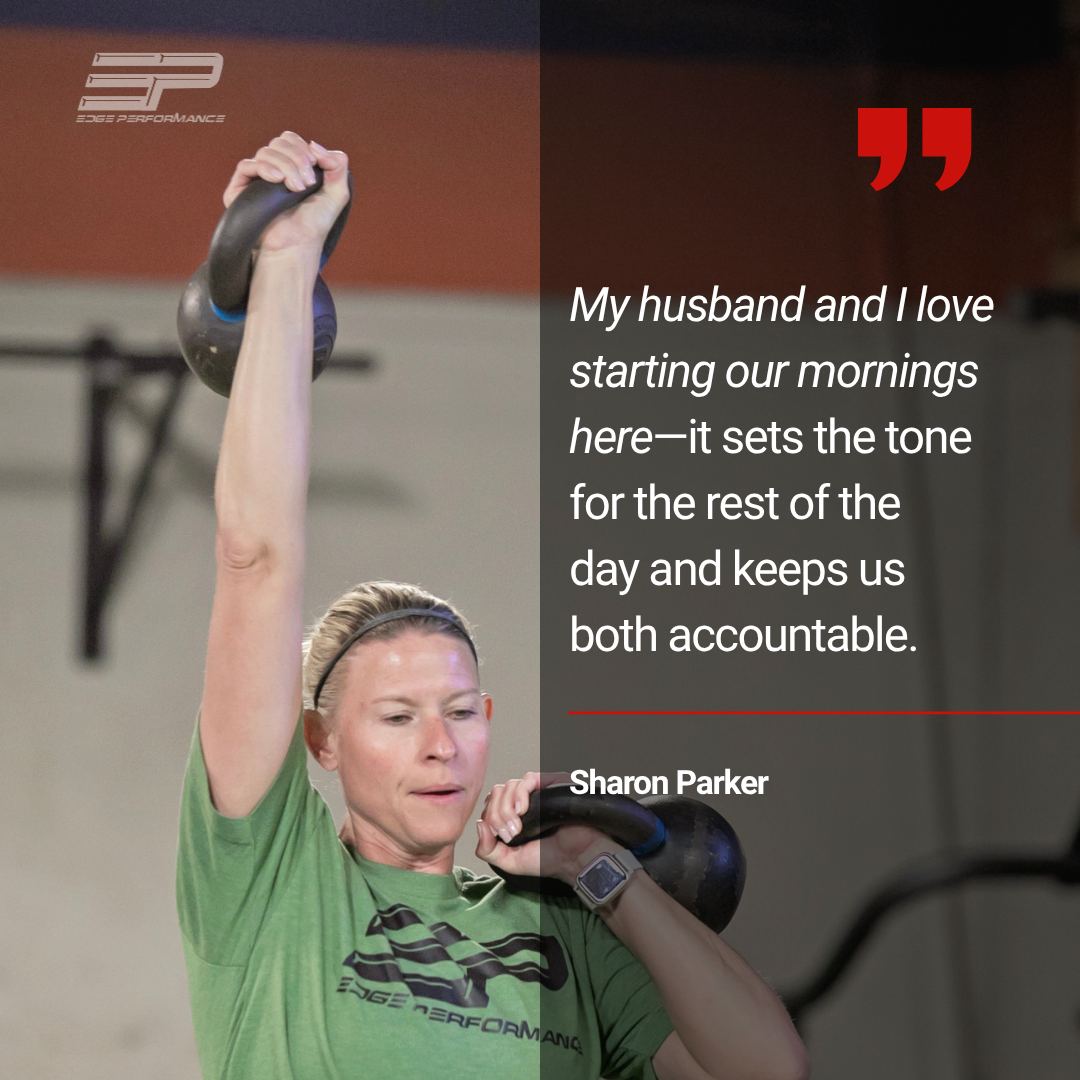
FREQUENTLY ASKED QUESTIONS
-
Not at all. Our programs are designed for all fitness levels. Whether you’re just getting started or have years of experience, our coaches will guide you and adjust workouts to fit your ability.
-
We work with a wide range of clients, including youth athletes, high school and college athletes, professional athletes, and adults focused on general fitness and long-term health.
-
Every session is structured and coached with a clear purpose. You’ll follow a program designed for results, with accountability and guidance every step of the way.
-
Whether you’re ready to join our unlimited adult fitness classes or unlimited sports performance training, getting started is simple. We recommend signing up through the Edge Performance Valdosta mobile app, as members will also use the app to reserve spots in classes, manage their memberships, and stay connected with schedules and updates. Sign up online, or contact us to help you find the right program and schedule that works for you.
-
You can expect a welcoming environment, a coach who guides you through the workout, and modifications based on your experience level. We’ll make sure you feel comfortable and confident from day one.
-
Yes. Many of our clients are just getting started or returning to fitness. Our programs are designed to build a strong foundation while progressing at a pace that’s right for you.
-
Most clients attend 3–5 times per week depending on their goals. Our coaches can help you determine the right schedule based on your fitness level, goals, and availability.
-
If you show up and stay consistent, you will see results. Our programs are built to improve strength, performance, and overall fitness over time.
-
Yes! Families with three or more members enrolled in fitness classes receive 20% off each membership.
For Sports Performance classes, the second child in the same family receives 50% off.
-
Founder’s Pricing is a special rate available to members who join Edge Performance by August 8. Once you sign up, you’ll lock in that discounted membership rate for life. Learn More Here!